




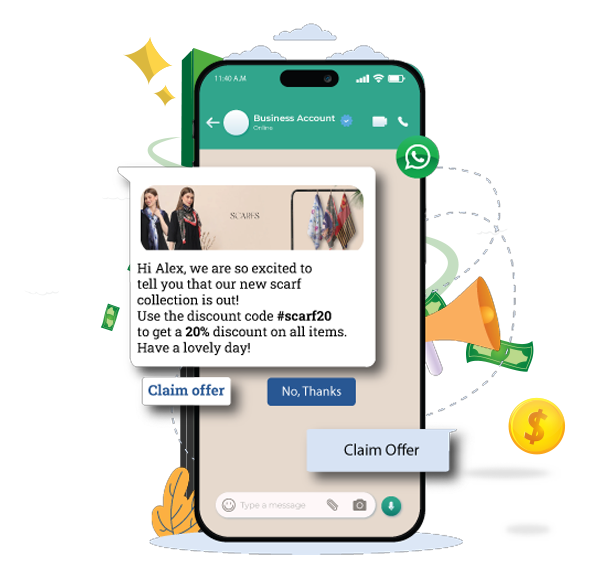

Key features and functionalities of WhatsApp Broadcast software
Key features and functionalities of WhatsApp Broadcast software

Connect with your ideal audience
-
 Upload contact lists or filter groups by opt-ins, tags, or demographics.
-
Use Meta-approved templates to create relevant content that resonates with each audience.
-
Verify your message with up to 10 sample contacts to ensure perfect delivery.
Connect with your ideal audience
-
Upload contact lists or filter groups by opt-ins, tags, or demographics.
-
Use Meta-approved templates to create relevant content that resonates with each audience.
-
Verify your message with up to 10 sample contacts to ensure perfect delivery.
Messages that land, every time
-
Auto-resend undelivered messages (3 attempts) on a chosen date.
-
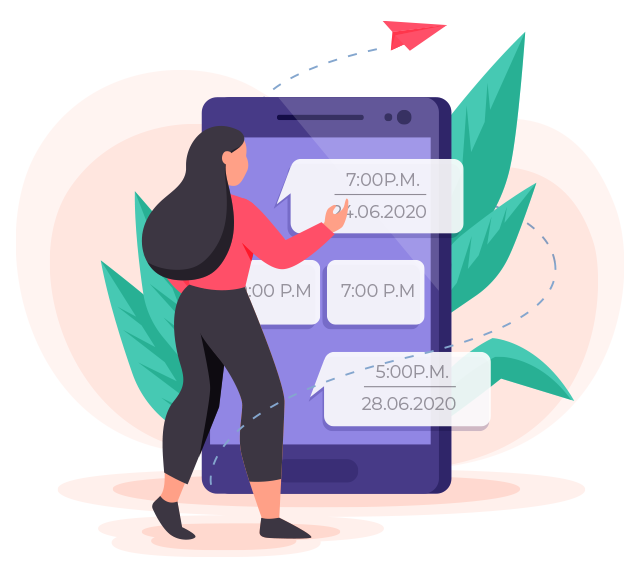
Plan campaigns to be sent at optimal times for maximum impact.
-
Adjust or cancel broadcasts anytime.
Messages that land, every time
-
Auto-resend undelivered messages (3 attempts) on a chosen date.
-
Plan campaigns to be sent at optimal times for maximum impact.
-
Adjust or cancel broadcasts anytime.
Approved templates for every need
-
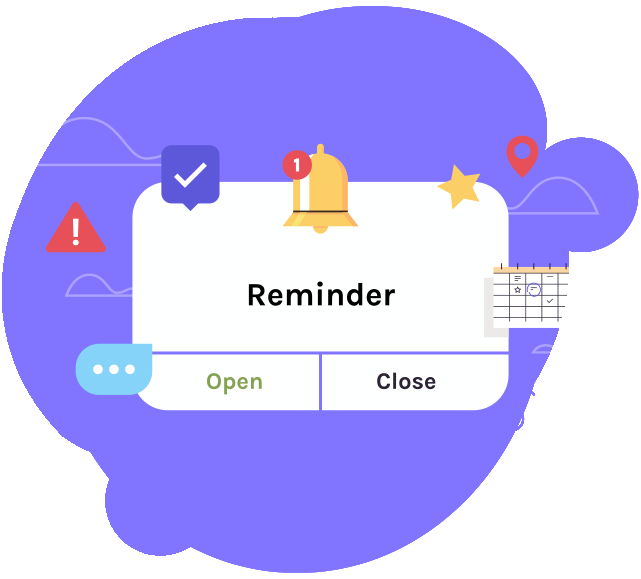
Ready-to-use templates for notifications, alerts, and updates.
-
Choose from utility (billing alerts), marketing (promotions), or authentication (OTPs) to match your goal.
-
Insert customer-specific details so your messages feel personalized.
Approved templates for every need
-
Ready-to-use templates for notifications, alerts, and updates.
-
Choose from utility (billing alerts), marketing (promotions), or authentication (OTPs) to match your goal.
-
Insert customer-specific details so your messages feel personalized.
Your workflow, optimized
-
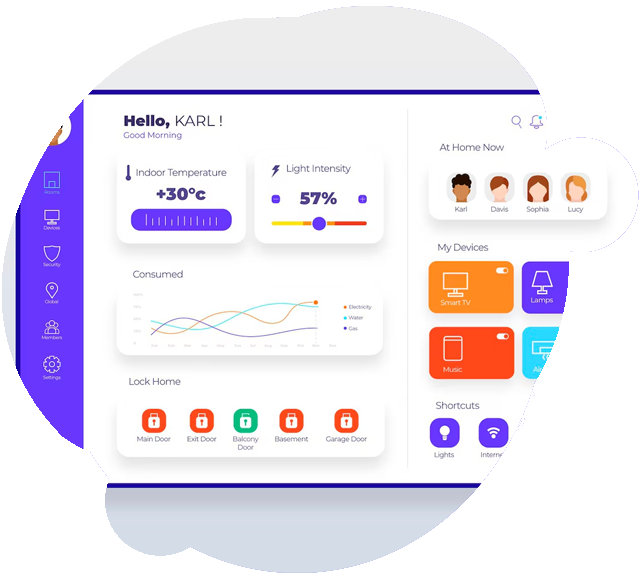
Create, monitor, and manage all broadcasts via a single dashboard.
-
Automatically direct replies to the right team with smart routing.
-
Reassign conversations instantly to balance workload.
Your workflow, optimized
-
Create, monitor, and manage all broadcasts via a single dashboard.
-
Automatically direct replies to the right team with smart routing.
-
Reassign conversations instantly to balance workload.
Benefits of using Wacap’s WhatsApp Broadcast software

Higher opens, replies & conversions
Send personalized messages at scale by segmenting your audience — watch engagement soar beyond email and SMS.

Launch campaigns in minutes
Create, schedule, and track all your messages from one dashboard — no manual work, just fast and effective outreach.

Instant updates & promotions
Leverage WhatsApp’s high open rates for urgent alerts, and keep conversations flowing with seamless two-way chats.
How to get started?

Access broadcast feature
Log in to your wacap account, navigate to the Broadcast section in the dashboard.
Select contacts
Create a new broadcast list by selecting contacts.
Send or schedule
Schedule or send the broadcast immediately.